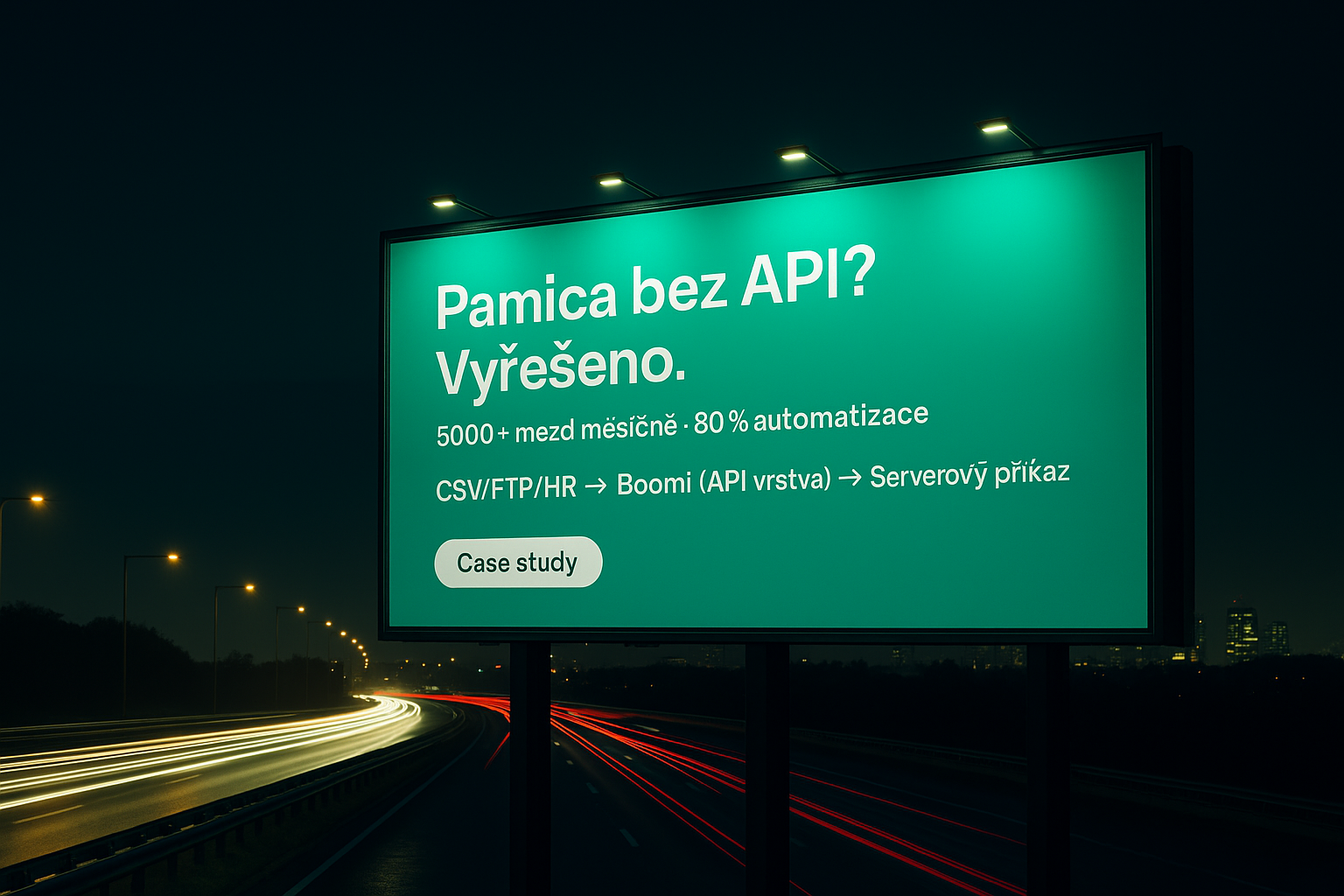
The biggest challenge in payroll integration is, without a doubt, that it has to work absolutely reliably and run in bulk within a very short time window. The process also handles highly sensitive data, so security is paramount.
Pamica itself also comes with several specific challenges. Our client runs it on a Windows server that is only accessible under very strict conditions and only within the client's domain. What would scare even a seasoned integrator the most is that the system has no API – no interface that third-party connectors could plug into. Bulk data input is only possible through an import that has to be triggered directly on the server. For the import, it isn't enough to supply the server with a data file; it also needs a specific configuration that sets the parameters of each import and maps the particular data set.
The client processes payroll for many companies, each with its own data source – either a different HR system (for example one that isn't localized for the Czech Republic and is therefore unsuitable for Czech payroll) or they keep data only in files and send it for processing via FTP.
Get in touch and together we'll find a way to speed up your processes with automation and smart integration.
Book a free consultationOf all the integration platforms we know, only Boomi can execute server commands. The choice was clear.
To build a universal solution that would provide Pamica connectivity for third-party applications while being secure and easy to use, we split the integration into two larger parts. The first, more product-oriented, fills in what Pamica is missing – an API. The second connects third-party systems to this add-on API, which anyone can adapt to their own source system and process; it is a completely standard API integration.
The whole process works by turning input data into three files, storing them in specific directories on the Pamica server and then launching them automatically with a server command:
Because the client also needed to enter ad-hoc changes (for example when an employee changes their bank account number at the last minute while payroll is already being processed), we connected the whole process to a change form built with MS PowerApps. With it, a user can manually trigger the integration for a specific employee and push the change into Pamica themselves within seconds.

Despite a fairly long development period, during which the architecture changed several times due to unexpected obstacles – mainly posed by the client's security policy – we managed to build a very stable and reliable solution.

Launching the integration and automating the whole process took a big load off the client's employees and significantly improved data quality.

Payroll processing completed up to 10 days faster every month.
Company ID: 22417079
instantIT s.r.o.
Rybná 716/24, Staré Město, 110 00 Prague 1, Czech Republic